Image Resize
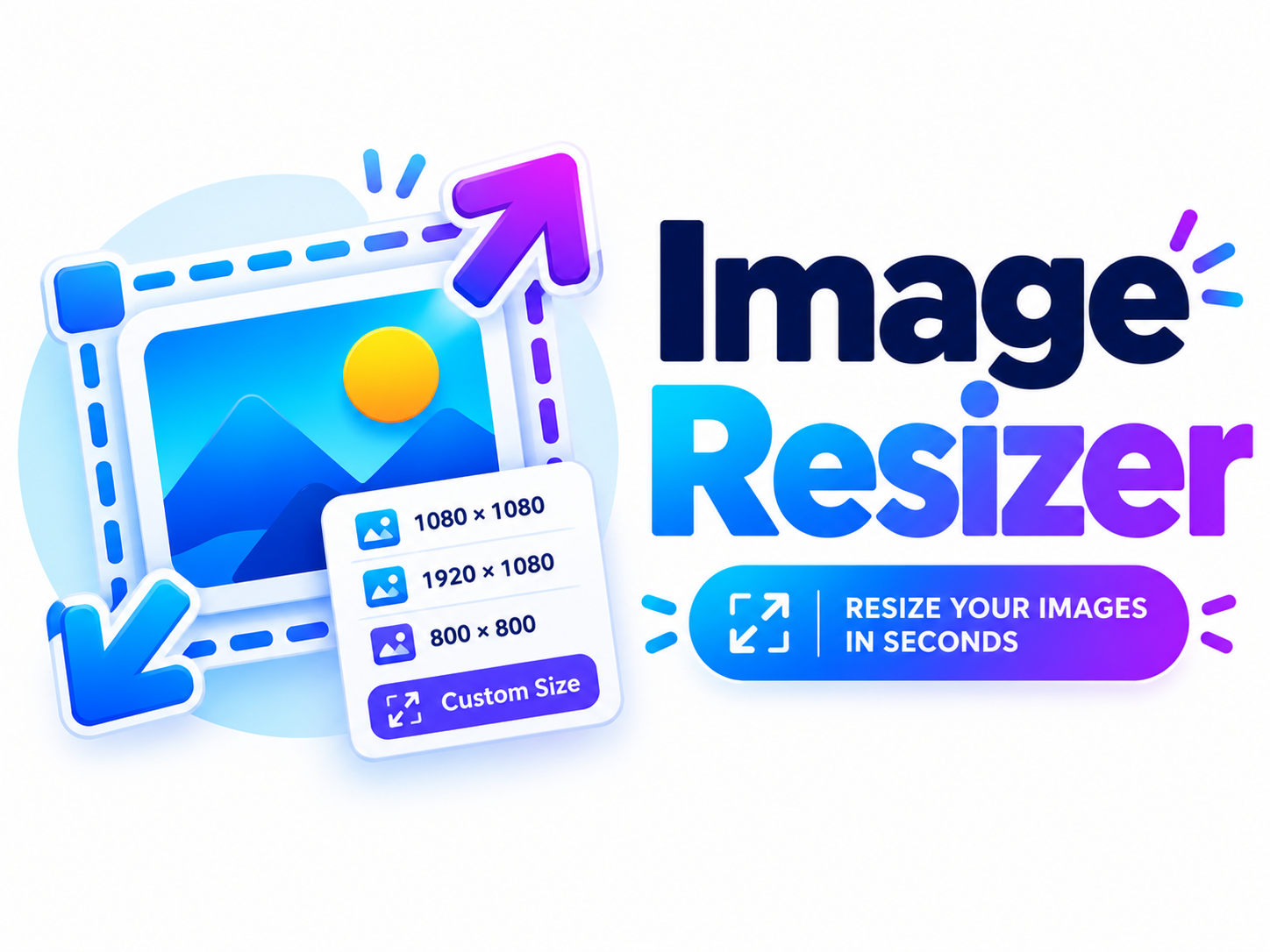
Image Resizer
Resize any image to exact dimensions instantly. 100% private — nothing is uploaded.
🖼️ Resize Your Image
What Is an Image Resizer?
An image resizer is a free online tool that changes the dimensions (width and height) of an image. Whether you need to shrink a photo for faster web loading, fit an image into a specific layout, or prepare a picture for social media, an image resizer makes it quick and easy.
Why Use Our Image Resizer?
Our tool is fast, free, and 100% private. Everything runs directly in your browser using the HTML5 Canvas API — your images never touch a server. No signup, no watermark, no file size limit.
Key Features
- ⚡ Instant resizing in your browser
- 📐 Exact dimensions — any width and height
- 🔗 Aspect ratio lock — prevents distortion
- 👁️ Live preview before download
- ⬇️ Download as PNG — lossless quality
- 🔒 100% private — nothing uploaded
How to Use the Image Resizer
- Click “Select an Image” and choose a file from your device
- Enter your desired width and height in pixels
- Keep “Aspect Ratio” checked to avoid distortion
- Click ✂️ Resize Image to see the preview
- Click ⬇️ Download to save the resized image
Common Image Sizes
Real-World Uses
- 📷 Social media — prepare images for each platform
- 🖥️ Web design — optimize for faster loading
- 📧 Email — reduce file size for attachments
- 🎨 Design mockups — resize to exact specs
- 🖼️ Photo frames — fit images to size
- 📊 Presentations — match slide dimensions
Perfect For
❓ Frequently Asked Questions
Is this Image Resizer free?
Yes, 100% free with no signup, no watermark, and no usage limits.
Are my images uploaded to a server?
No! Everything happens in your browser. Your images never leave your device.
What image formats are supported?
JPG, JPEG, PNG, WEBP, GIF, BMP, SVG, and any other format your browser can display.
What does “Keep aspect ratio” do?
It automatically adjusts the height when you change the width (and vice versa) so the image doesn’t get stretched or squished.
Does resizing reduce file size?
Yes. Making an image smaller (fewer pixels) usually reduces file size. Making it larger increases file size but not quality.
What format is the output?
The resized image is saved as PNG, which preserves quality and supports transparency.
What is the maximum image size?
The tool supports images up to 10,000 × 10,000 pixels — more than enough for any normal use.
Can I resize multiple images at once?
This tool handles one image at a time — resize, download, then load the next image.
Will resizing reduce quality?
Making an image smaller retains good quality. Making it larger can look slightly blurry — that’s true of any resizer.
Does it work on mobile?
Yes, our Image Resizer is fully responsive on phones, tablets, laptops, and desktops.
